About Shadow Guardian
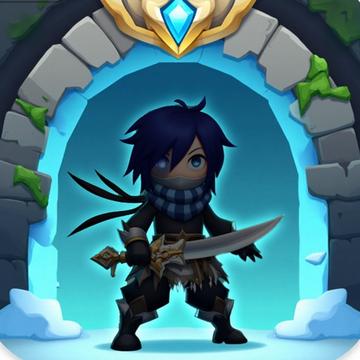
Protect realms as Shadow Guardian. Fight enemies use shadow powers and defend worlds. Unlock abilities complete missions and become a mystical hero.
How to play
- Basic Controls: Tap or click to interact with game elements. Use intuitive touch controls to navigate through each level.
- Follow Tutorials: Complete the on-screen tutorial when starting. This teaches you the core game mechanics and objectives.
- Collect Power-ups: Gather power-ups and bonuses scattered throughout levels. These enhance your abilities and help overcome obstacles.
- Develop Strategies: Practice and learn effective strategies. Master the game mechanics to tackle increasingly difficult challenges.
- Complete Challenges: Finish daily challenges and special events. These reward exclusive items and help you climb the leaderboard.
- Unlock Content: Progress through the game to unlock new content. Earn character skins, customization options, and bonus levels.
Before you start
Read the game instructions, then open the play page and choose Load game. This loads content from games.gamecenter1.com. A reliable Internet connection is needed. Some games may require a keyboard or mouse; follow the in-game controls on your device.