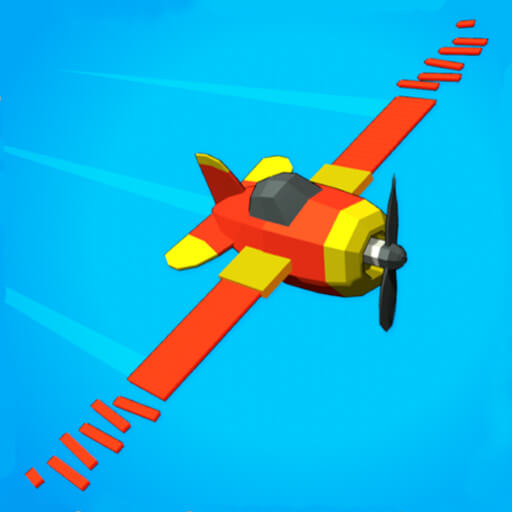
About Crash Landing 3D
Land your spacecraft safely in this thrilling 3D landing simulation game that tests your precision and timing skills. Balance careful control inputs to avoid crashing and complete each mission successfully across various planetary surfaces. Navigate through atmospheric turbulence, manage fuel consumption, and execute perfect landings on challenging terrain. The game features multiple spacecraft types, diverse planetary environments, and emergency landing scenarios that will keep you engaged and entertained throughout your space exploration journey across the galaxy.
How to play
- Control Descent: Use touch controls to adjust your spacecraft angle and speed during the landing approach.
- Monitor Instruments: Keep an eye on fuel levels and altitude. Running out of fuel means a crash landing.
- Use Retro Rockets: Fire retro rockets to slow your descent during the final approach. This ensures a gentle touchdown.
- Navigate Turbulence: Atmospheric conditions affect your trajectory. Compensate for wind and turbulence to stay on course.
- Emergency Landings: Complete emergency landing scenarios for bonus challenges. These test your skills under pressure.
- Different Planets: Master landing on various planetary surfaces. Each has different gravity conditions and terrain types.
Before you start
Read the game instructions, then open the play page and choose Load game. This loads content from oss.gamescdn.top. A reliable Internet connection is needed. Some games may require a keyboard or mouse; follow the in-game controls on your device.